Widget: Button to Log Progress on "Tap to Track" widget
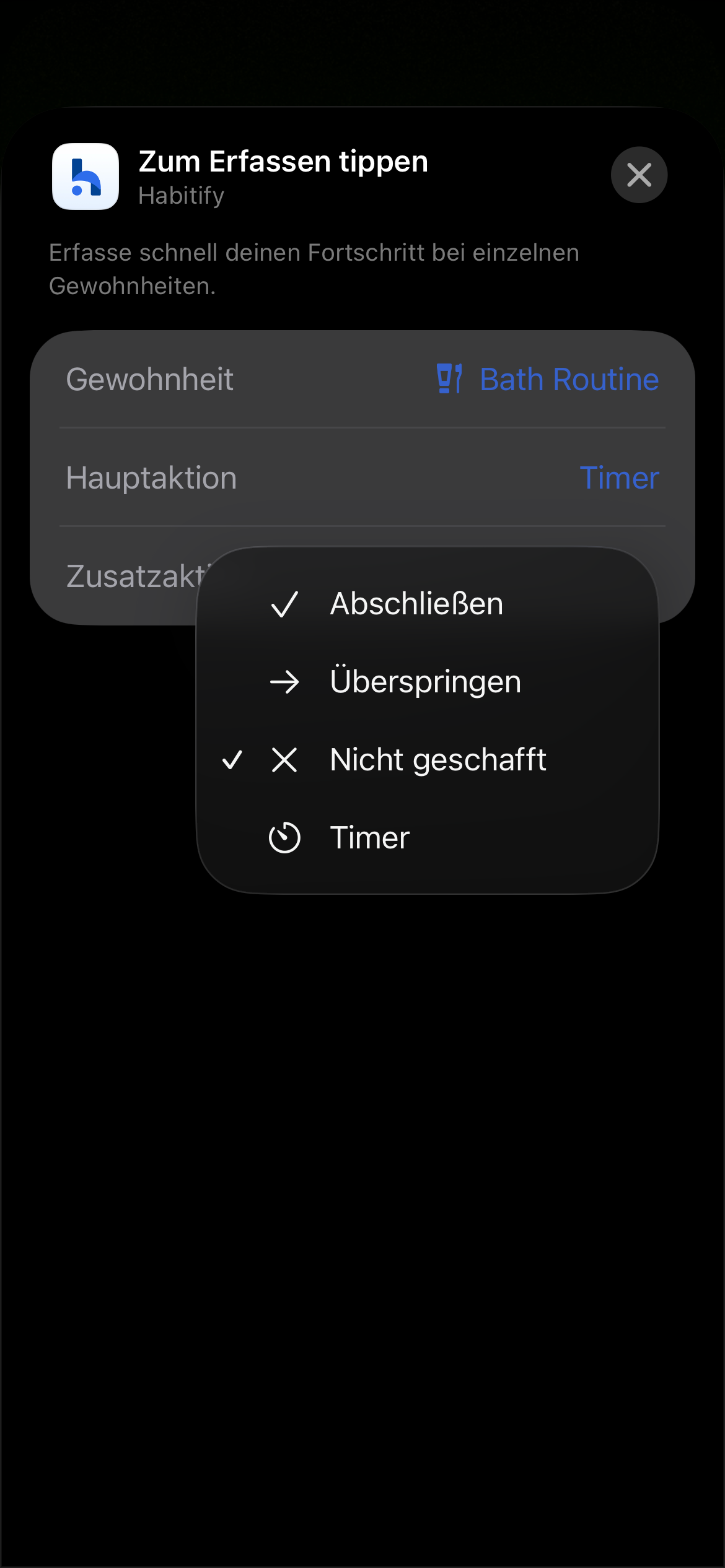
At the moment, the widget only allows a habit to be completed, skipped, marked as failed, or to start a timer. This works well for binary habits, but it feels limiting for habits that are based on quantities.
It would be really useful if both positive and negative habits could be incremented or decremented by a unit directly from the widget (e.g. +1 glass of water, −1 cigarette, +10 minutes, etc.). This would make the widget much more practical for habits that aren’t simply “done or not done”.
Being able to adjust units directly from the widget would also reduce friction and overall phone interaction, since users wouldn’t need to open the app just to log small progress. Faster interactions at the widget level help habits stay in the background instead of pulling attention back to the phone.
Additionally, I’m a bit unclear about what the “additional action” actually represents.
What is its intended use case, and how is it supposed to differ from completing, skipping, or failing a habit?
Comments6
Mikhail Cherkasskii
Aug 25
I would be happy to have a similar feature to checklists via the widget. I mean, when user taps a habit in the widget, the corresponding checklist opens instead of simply prompting user to mark the habit as completed.
An Anonymous User
Feb 5
•Merged request
•5 votes
Widget: Add a “+1” option for Tap to Track Widget
The smaller “Tap to Track” Widget only had the option for Completion. It would be nice to add a “+1” as well for tasks that require a set amount of repetitions. For example, Practice piano 2x, Interval training, job applications, inventory checks. This would allow for better visual representation of data in the heatmap widgets as well. Thank you, i love your app.
An Anonymous User
Nov 17, 2025
•Merged request
•1 vote
Add “Tap to Track” functionality to other wigets
The widgets which show smart filtering (time of day, area, etc.) provide the most useful view, but the lack of tracking functionality defeats the frictionless experience a widget has the potential to offer.
Users can use the Tap to Track” widget, but those are locked to a single habit, do not filter based on context like time, and can’t rotate to the next unfinished habit after completing.
Please consider functionality to tap the habit title in a widget and automatically track +1/done without opening the app or other interaction required. The option to pick whether you want the widget to open the habit fullscreen (current behavior) or immediately mark done (I.e. tap to track) would be a game changer.
Minh Thư
Nov 17, 2025
Hi!
Thank you so much for your suggestion. We highly appreciate you sharing it with us!
Currently, for the action to check-in from the widget, we make it this way: when you tap on a habit, an pop-up will appear for you to enter the progress value (it will appear in app if you are using iOS app).
This can be applied for not only habits with multiple repetitions but also the habits with goal like “2000 mL” or “2500 kCal”.
We do understand the need of direct check-in buttons on the widget, and we also respect the concept of keep things synced through the apps. We will continue to improve the widget!
An Anonymous User
Dec 31, 2025
•Merged request
•1 vote
Widget: Add +1 button for goal " x times"
In the tracking widget, the only action buttons available are complete, miss, skip or timer. Give an option to just count, for example, if I want to drink water 8 times a day, add a command button in the widget that lets me add only 1 time, instead of succeeding in the task in general
Minh Thư
Feb 3
Hi @Timon !
Thank you for sharing with us your feedback on our widget!
As I understand, it is about having the button to log progress value button on the “Tap to Track” widget, right? I think your suggest is reasonable and considerable. I definitely note it for the dev team.
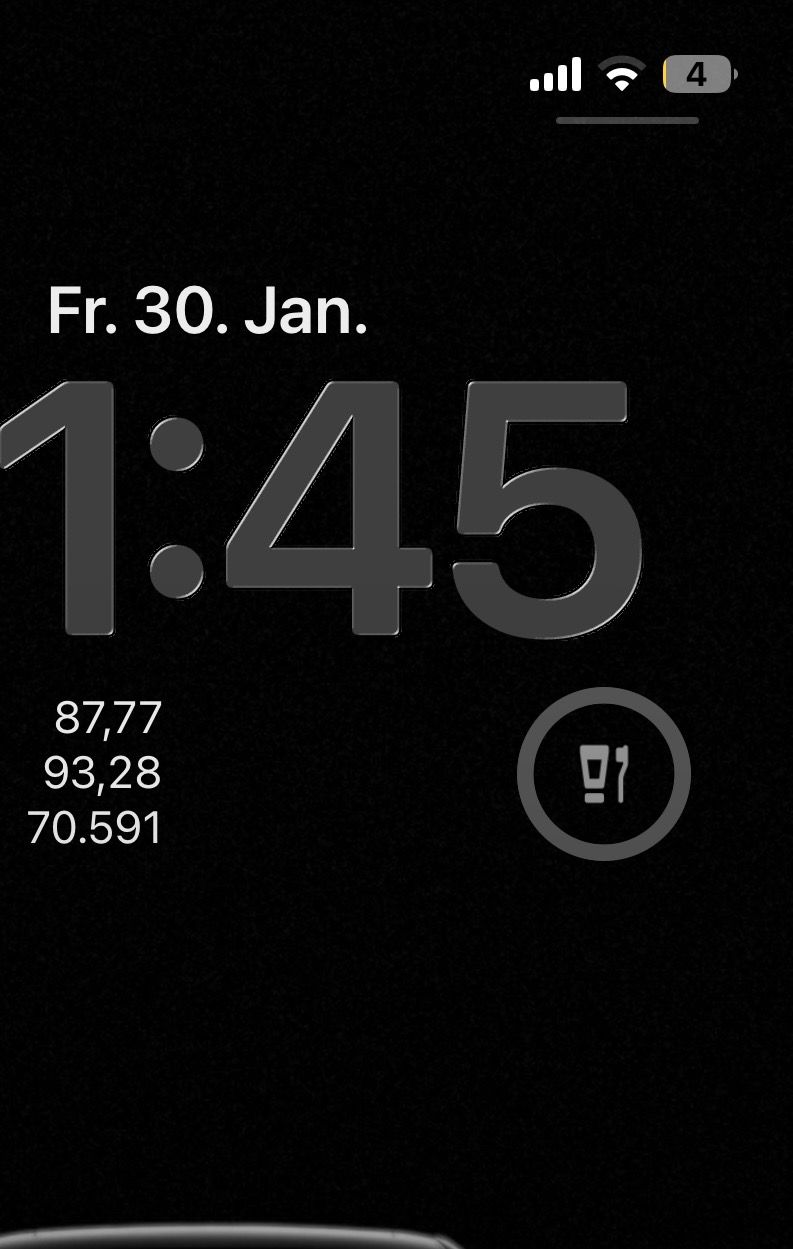
Regarding your question, as you can see, there are 2 buttons on the widget. The main action is for the bigger one, and the smaller is for second action. Their functions are the same, yet the bigger one can be used for the the action that you want to focus on or that you use more.